CANVERSI Get it
VoxKey: the AI voice keyboard for Android. Dictate, translate, edit, reply and interpret by voice
VoxKey app icon Free Android app by CANVERSI

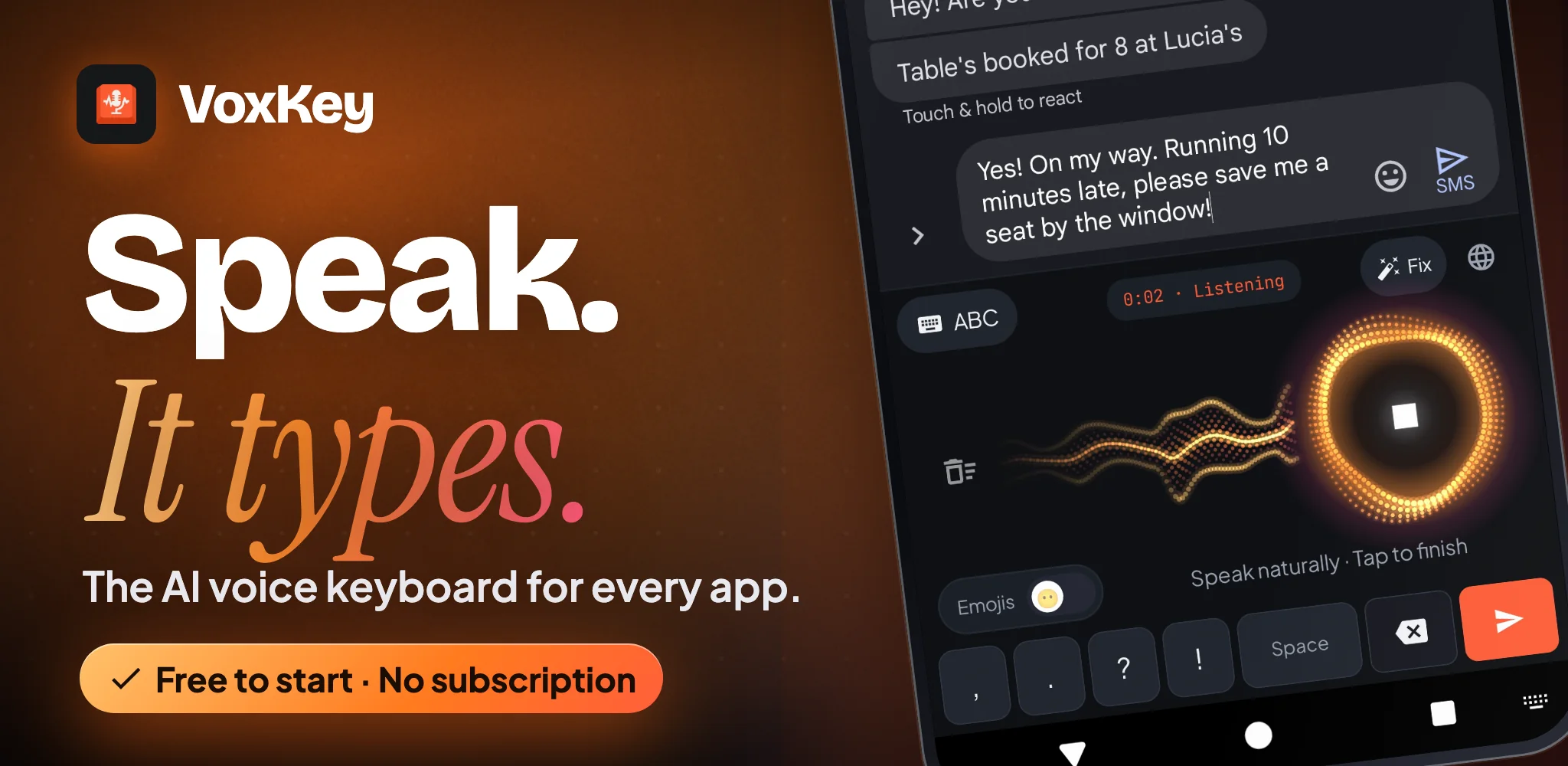
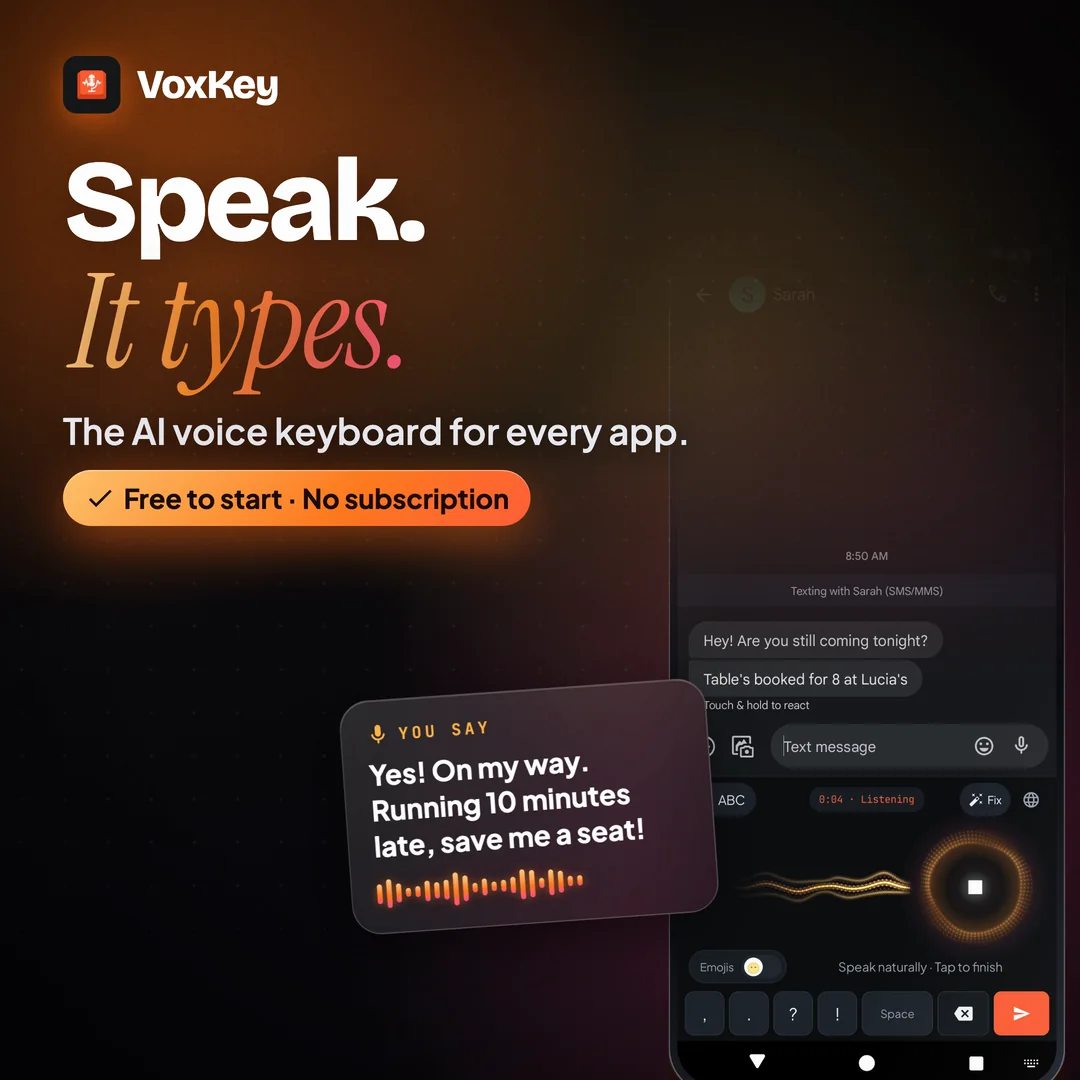
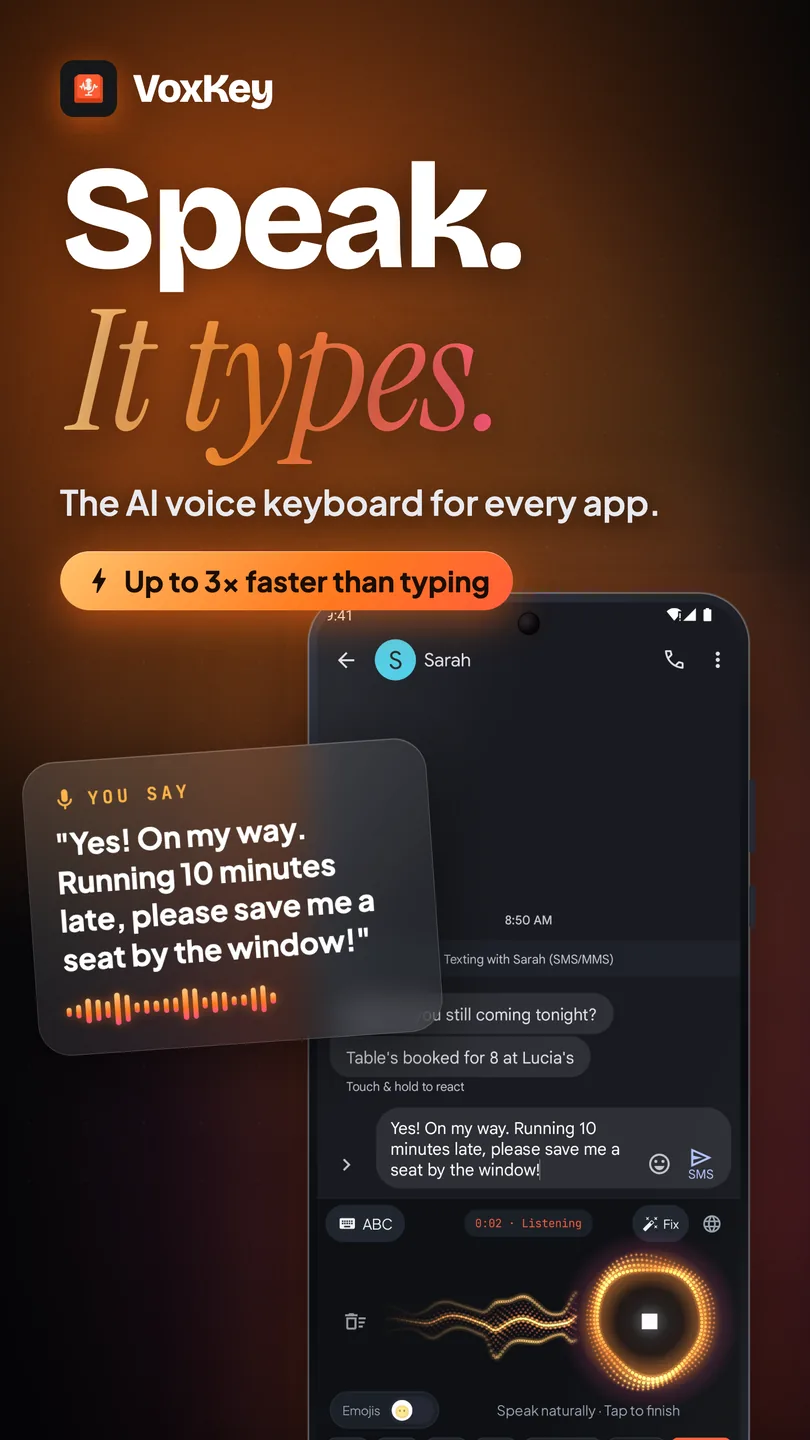
Speak. It types.

VoxKey is the AI voice keyboard for Android. Tap the mic, say it in any language, and clean, punctuated text appears in any app. Translate as you talk, edit and reply by voice, interpret live, or describe a picture and send it. Every new install starts with 100 free credits.

Free to start 100 free credits Any language Live translate AI images Voice edit Live interpreter No subscription No ads No account

Free on Google Play. Requires Android 7.0 or newer

VoxKey AI voice keyboard for Android: Speak. It types. Free to start with 100 free credits

See it in action

Under 30 seconds. Tap, talk, done.

VoxKey demo video: Speak. It types. The AI voice keyboard for every app

Tap the mic. Just talk.

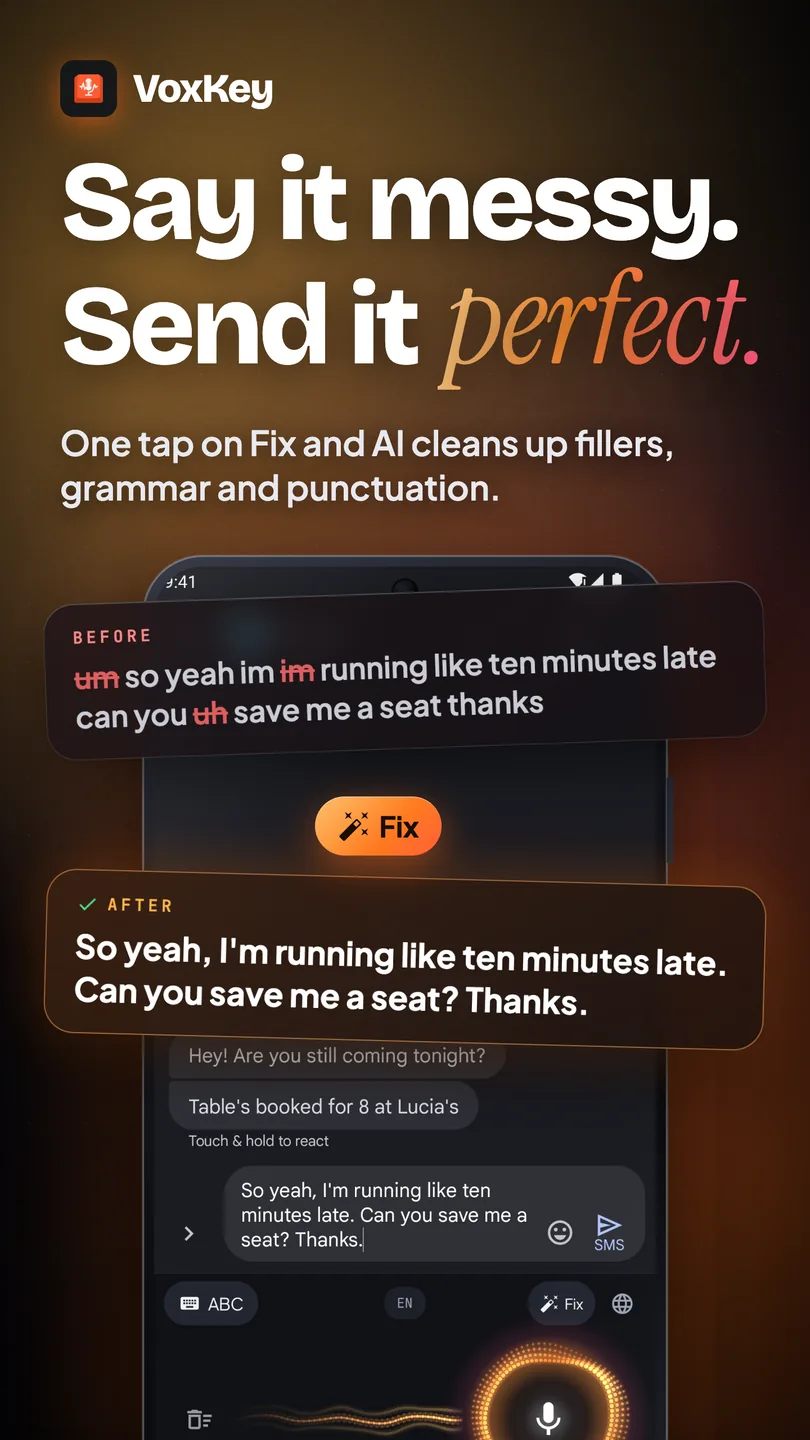
One tap and VoxKey is already listening. Watch your voice come alive as text, with punctuation and capitals added for you, and fillers cleaned up when you tap Fix.

Get VoxKey free on Google Play
New in VoxKey

Two new superpowers

Speak in one language and type in another. Describe a picture and send it. All from your keyboard.

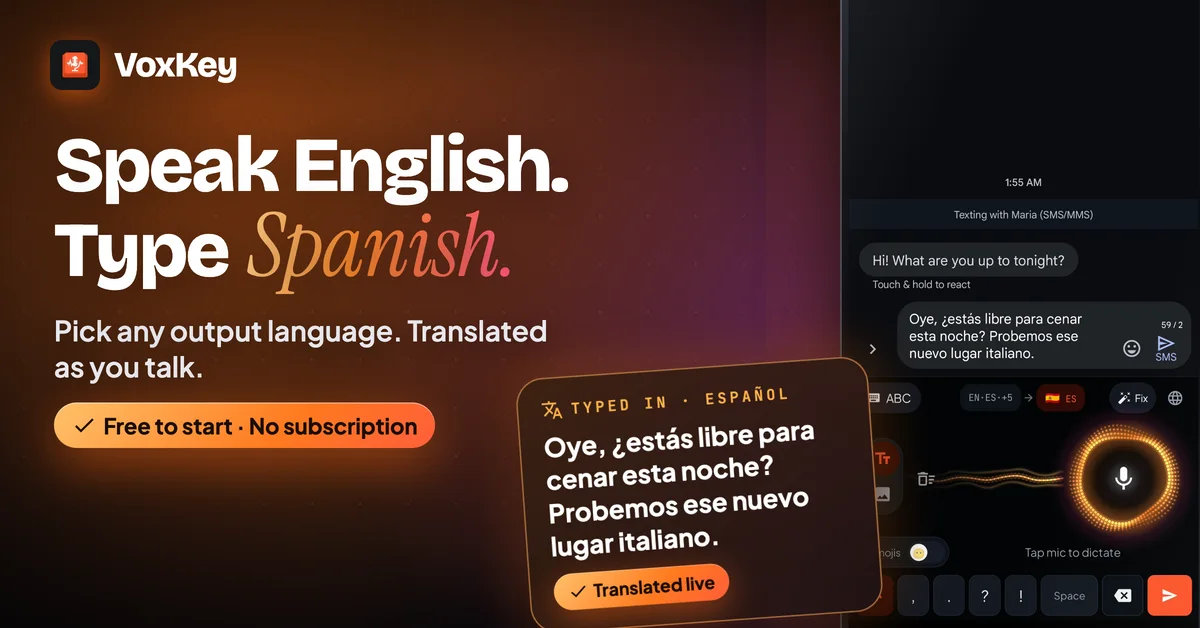
VoxKey live translation: speak English and the keyboard types Spanish

Speak English. Type Spanish.

Pick an output language and VoxKey translates as you talk, straight into the text field of any app.

  • More than 70 output languages
  • Favorites one tap away on the language chip
  • Leave it on Auto to keep the language you speak
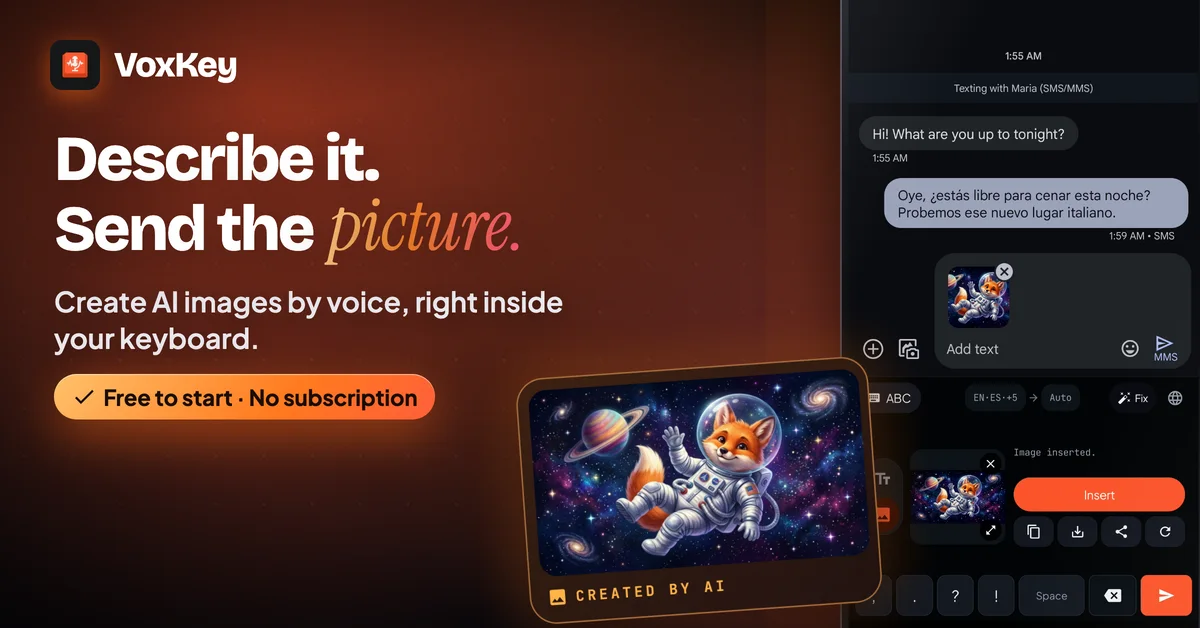
VoxKey image creation: describe a picture by voice and send the AI image from the keyboard

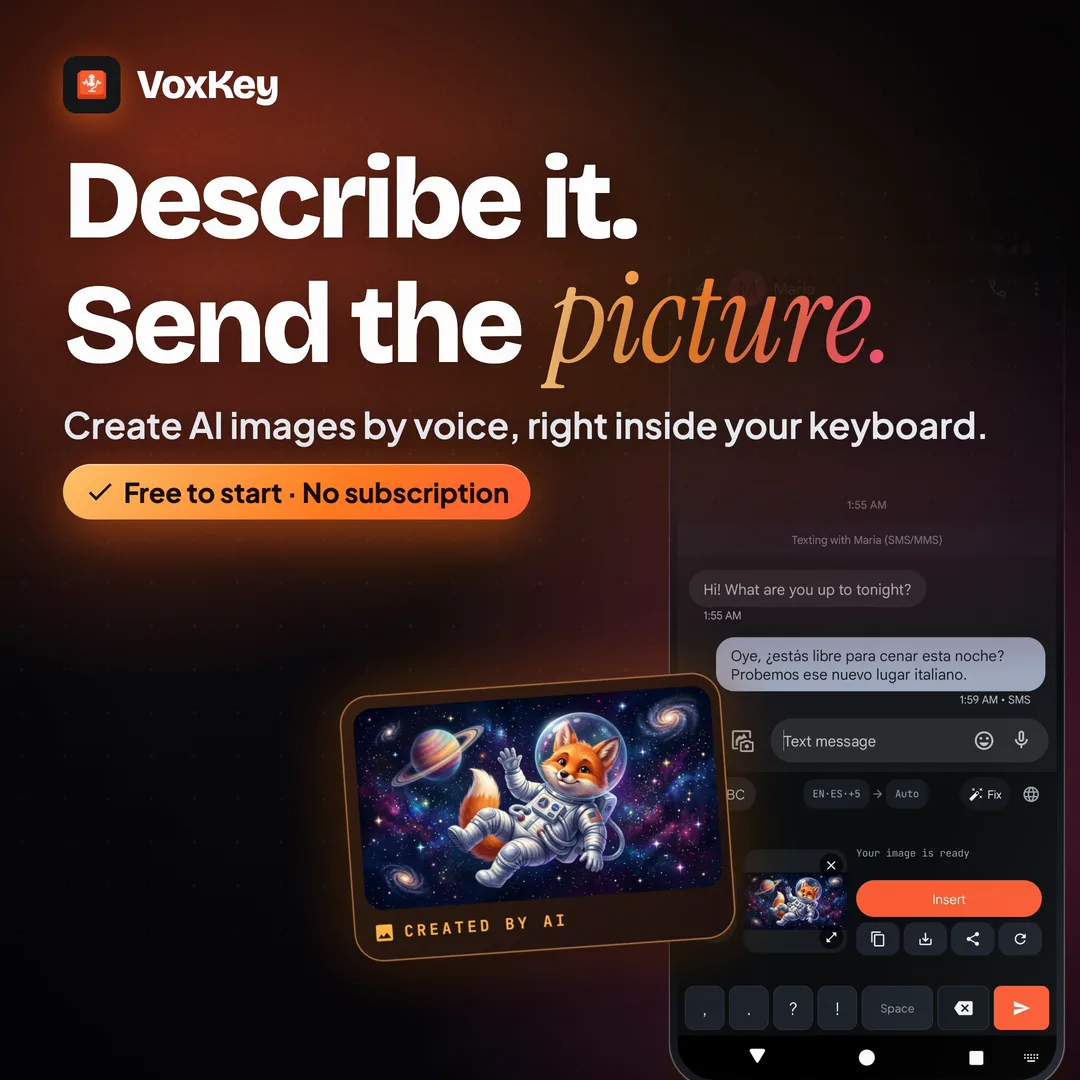
Describe it. Send the picture.

Switch to image mode, say what you want to see, and AI creates the picture right inside your keyboard.

  • Insert it into chats and other apps that accept images
  • Or copy, save to your gallery, or share it
  • Not quite right? Regenerate with one tap
VoxKey demo video: speak English and type Spanish, then create an AI image by voice

Translate. Create. Send.

Watch VoxKey turn English speech into Spanish text, then create an AI image from a spoken description and drop it into the conversation. Images use more credit than dictation.

Get VoxKey free on Google Play
Just added

Edit, reply and interpret by voice

Select text and say how to change it. Copy a message and say your answer. Talk with anyone in another language. All from your keyboard.

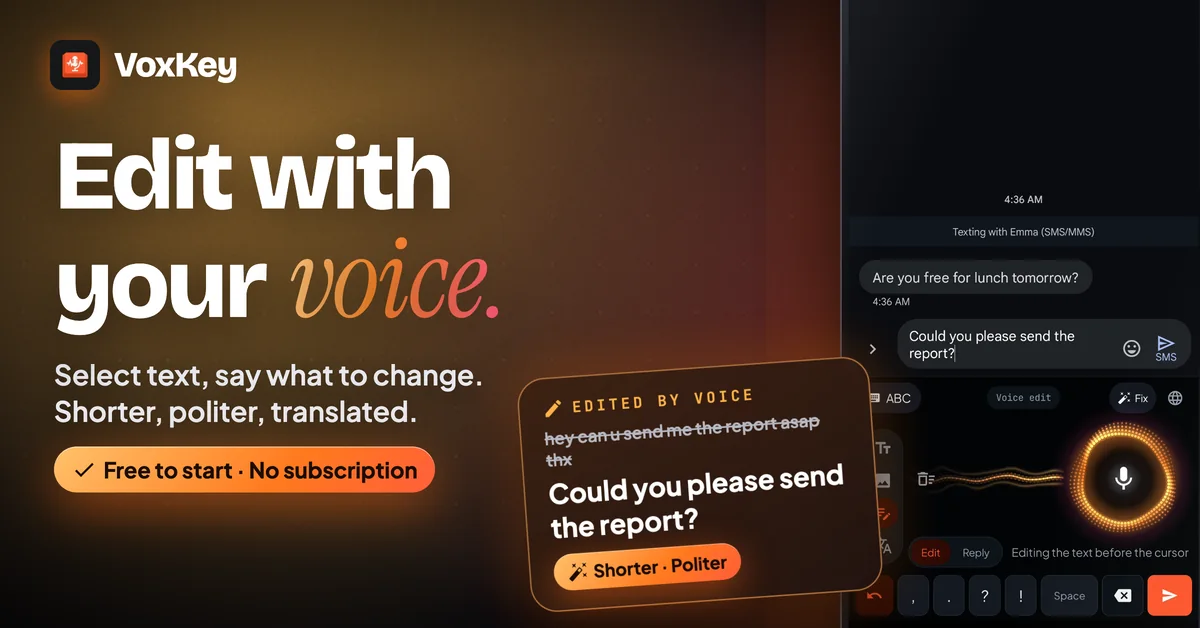
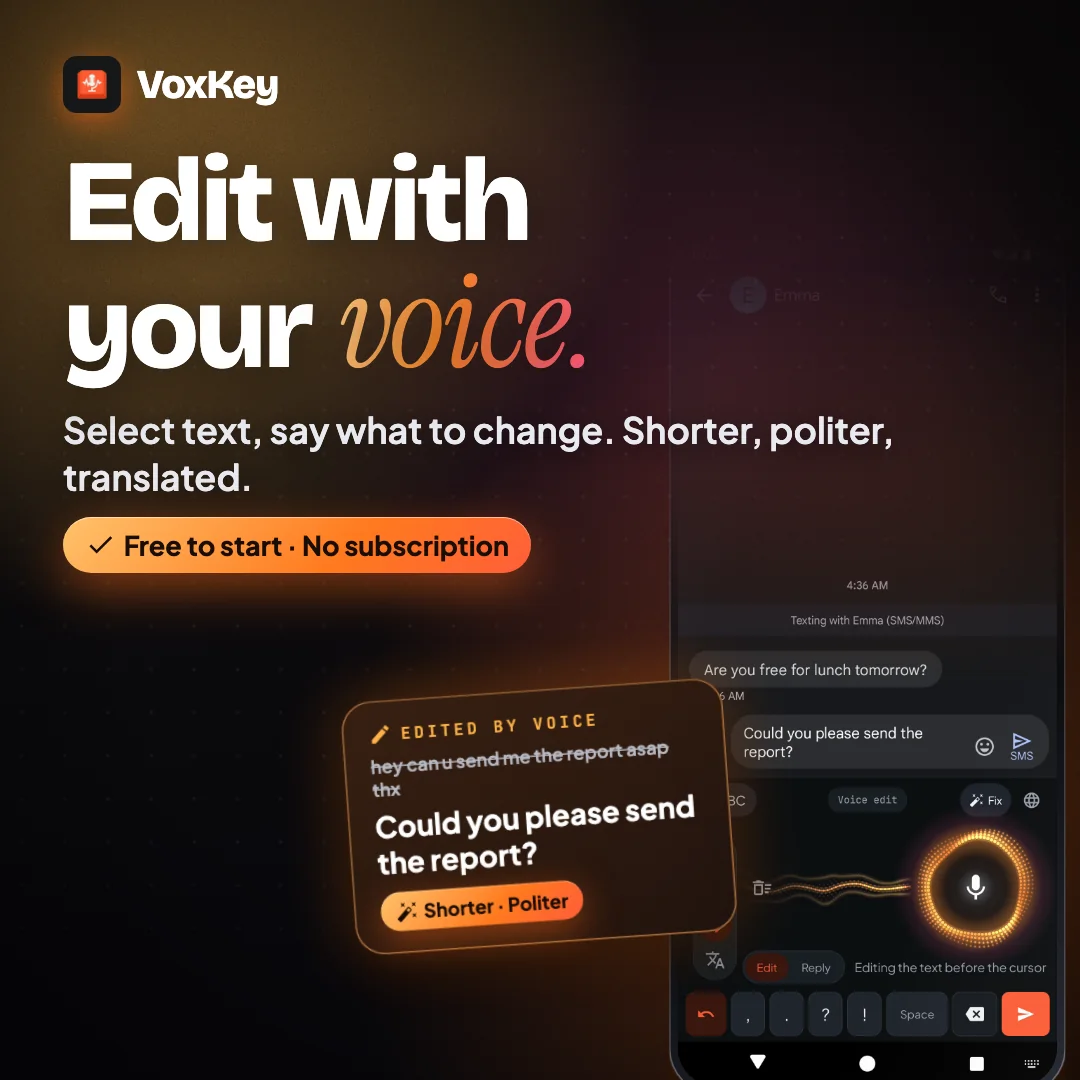
VoxKey voice edit: select text and say how to change it, the keyboard rewrites it in place

Edit with your voice.

Select text, tap the mic and say what to change. VoxKey rewrites it right where it is, and Undo brings the original back.

  • Shorter, longer, politer, friendlier or fixed
  • Translate the text into another language
  • Nothing selected? Say what to write and it types it
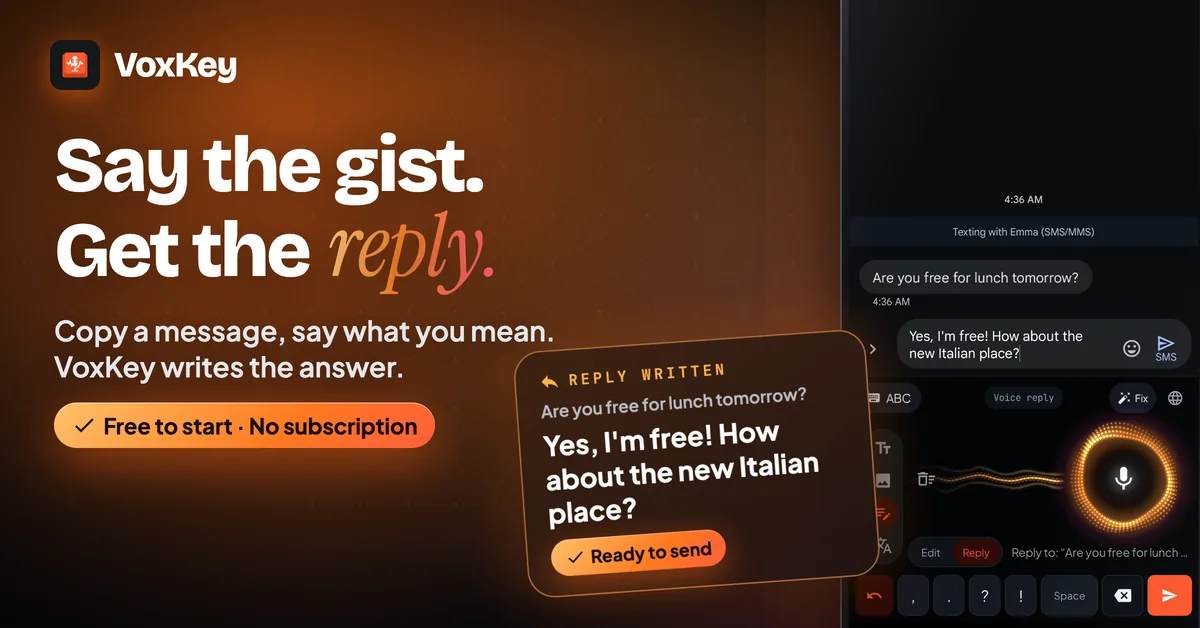
VoxKey voice reply: copy a message, say what you mean and the keyboard writes the reply

Say the gist. Get the reply.

Copy the message you received, switch to Reply and say what you mean. VoxKey writes the answer in the language and tone of the message.

  • A preview of the copied message shows on the keyboard
  • Built from what you said, nothing more
  • Ready to send, with one-tap Undo
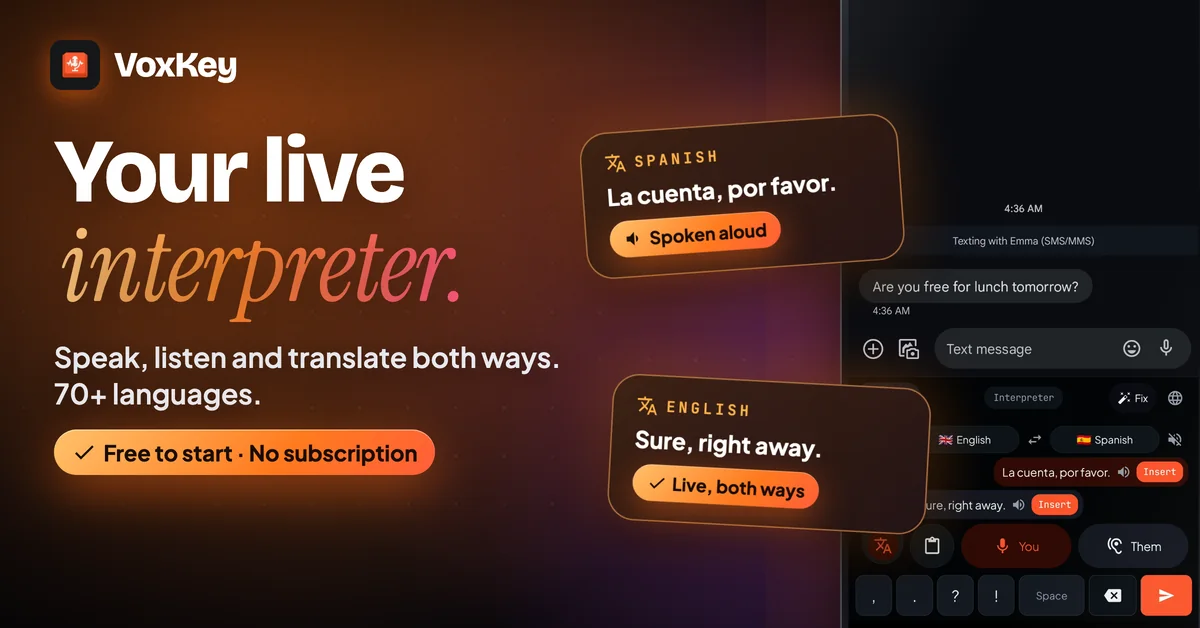
VoxKey live interpreter: speak and listen in two languages, translated both ways

Your live interpreter.

Pick two languages. Tap You to speak and VoxKey translates for them, tap Them to listen and it translates for you.

  • More than 70 languages, swapped in one tap
  • Tap any translation to hear it read aloud
  • Insert any translation into the text field
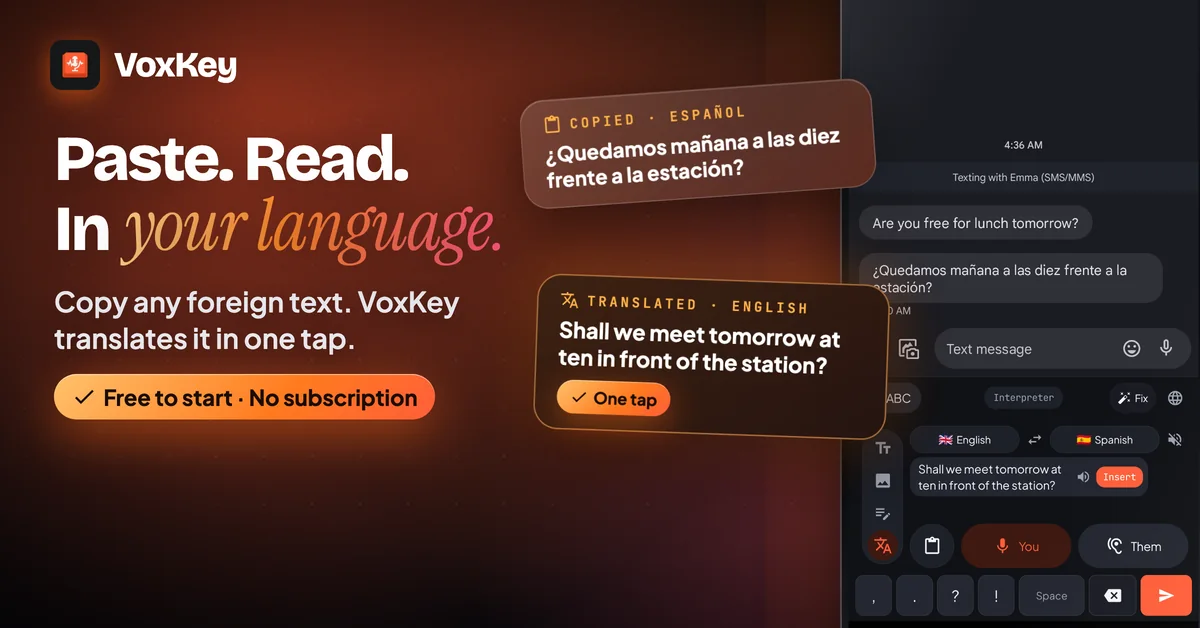
VoxKey paste and translate: copy any foreign text and read it in your language in one tap

Paste. Read in your language.

Copy any foreign text, open the interpreter and tap paste. VoxKey detects the language and translates it into yours.

  • Works with messages, emails and web pages
  • Already in your language? It translates to the other one
  • Up to 3,000 characters at a time
VoxKey demo video: edit a message by voice, reply with one sentence and interpret a conversation live

Edit. Reply. Interpret.

Watch VoxKey turn a rough message into a polite one, answer a text from one spoken sentence, and interpret a live conversation in two languages. Each request uses a small amount of credit.

Get VoxKey free on Google Play

Inside the app

The same screenshots you will find on the Google Play listing.

Swipe to see more →

Built for talking, ready for typing

Everything you need to write faster in any app, nothing you do not.

One tap to dictate

Messages, email, notes, social media, search. Tap the big mic and speak in any app.

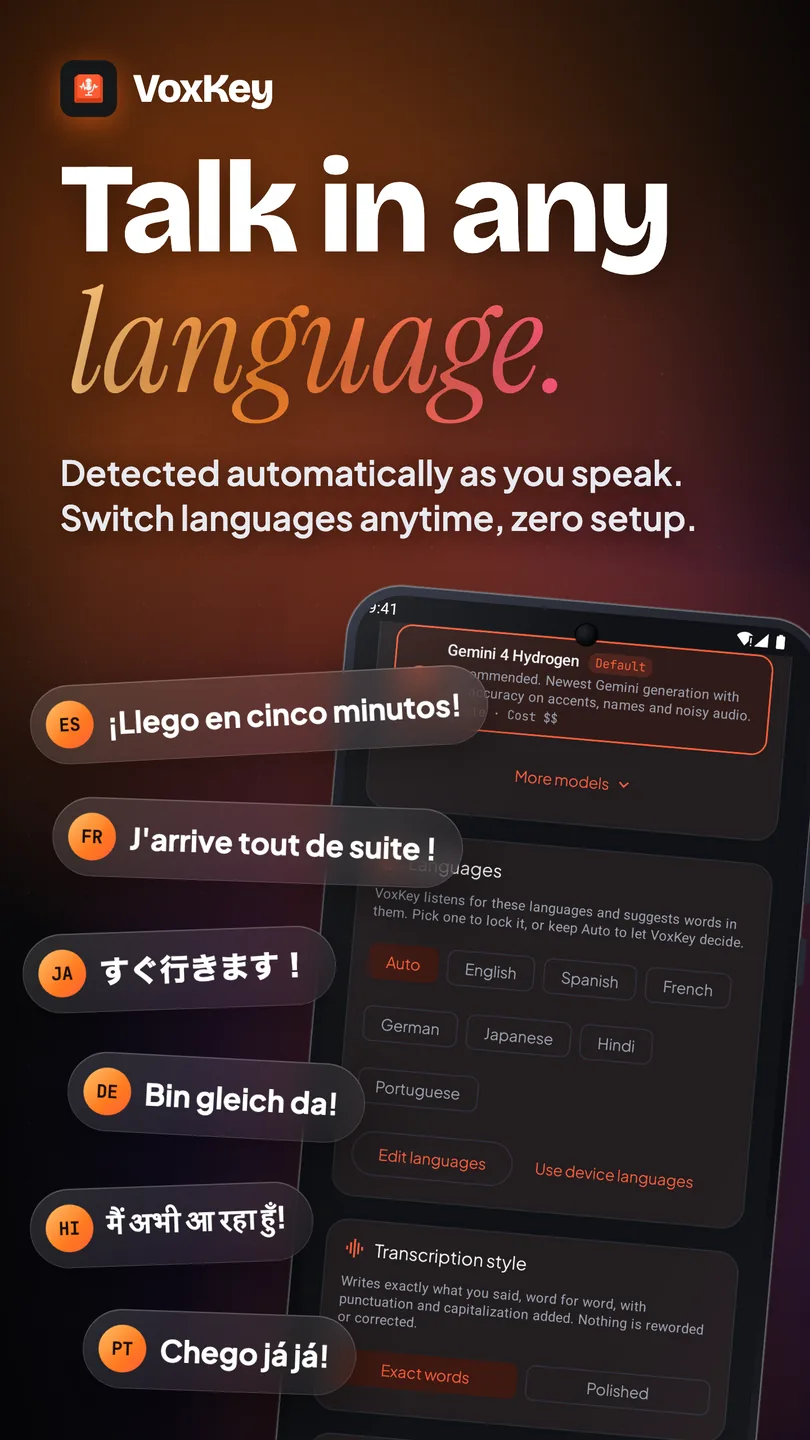
Any language, automatically

VoxKey detects what you speak. No settings, no language packs, and you can switch between sentences.

Punctuation and grammar

Exact words with punctuation and capitalization, or switch to Polished to remove filler sounds and fix grammar.

Smart continuation

VoxKey reads the text before your cursor so capitalization and flow match what you already wrote.

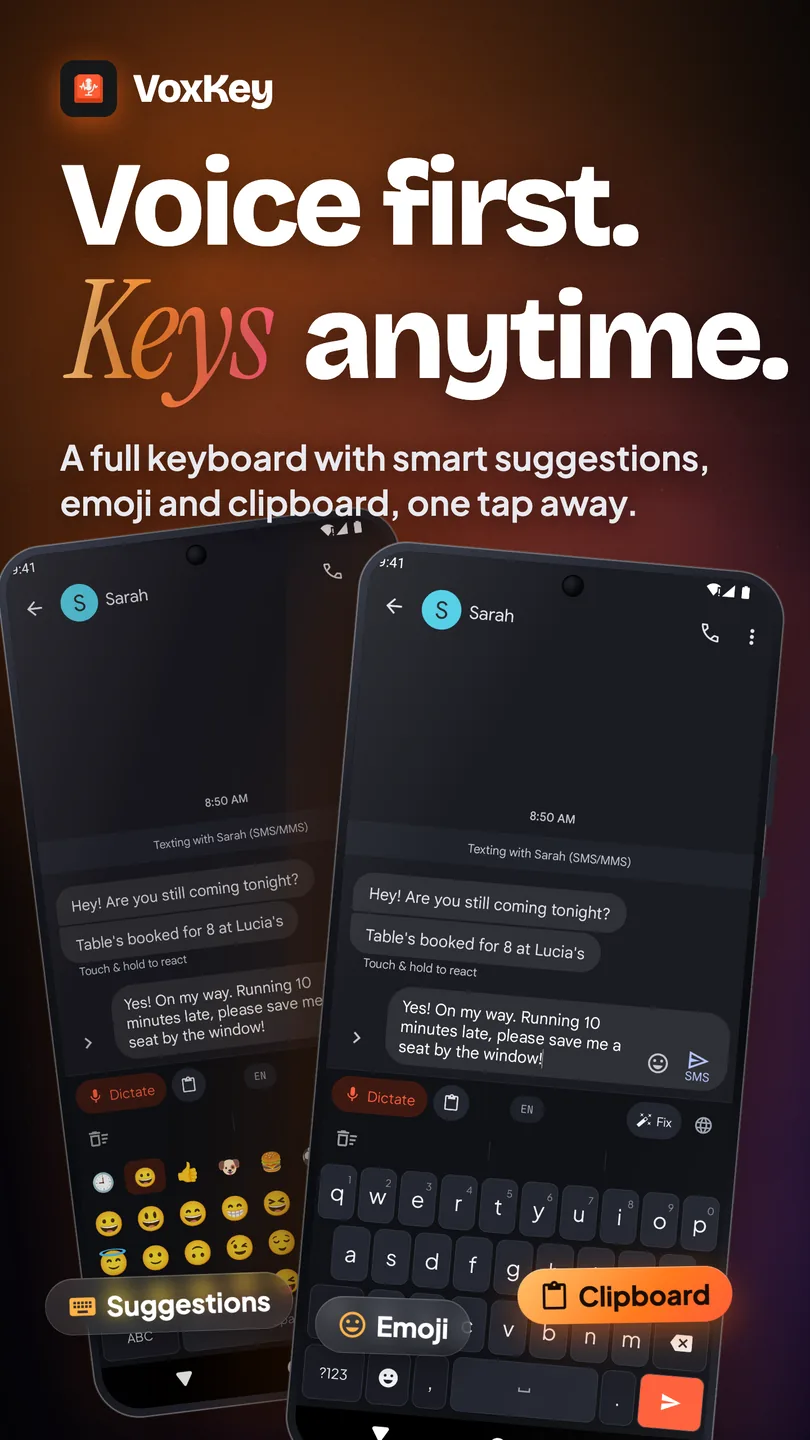
A real keyboard too

Built-in QWERTY with word suggestions, clipboard paste, emoji panel, Clear and Undo.

Fix button

Correct spelling, punctuation, and grammar of typed text with a single tap.

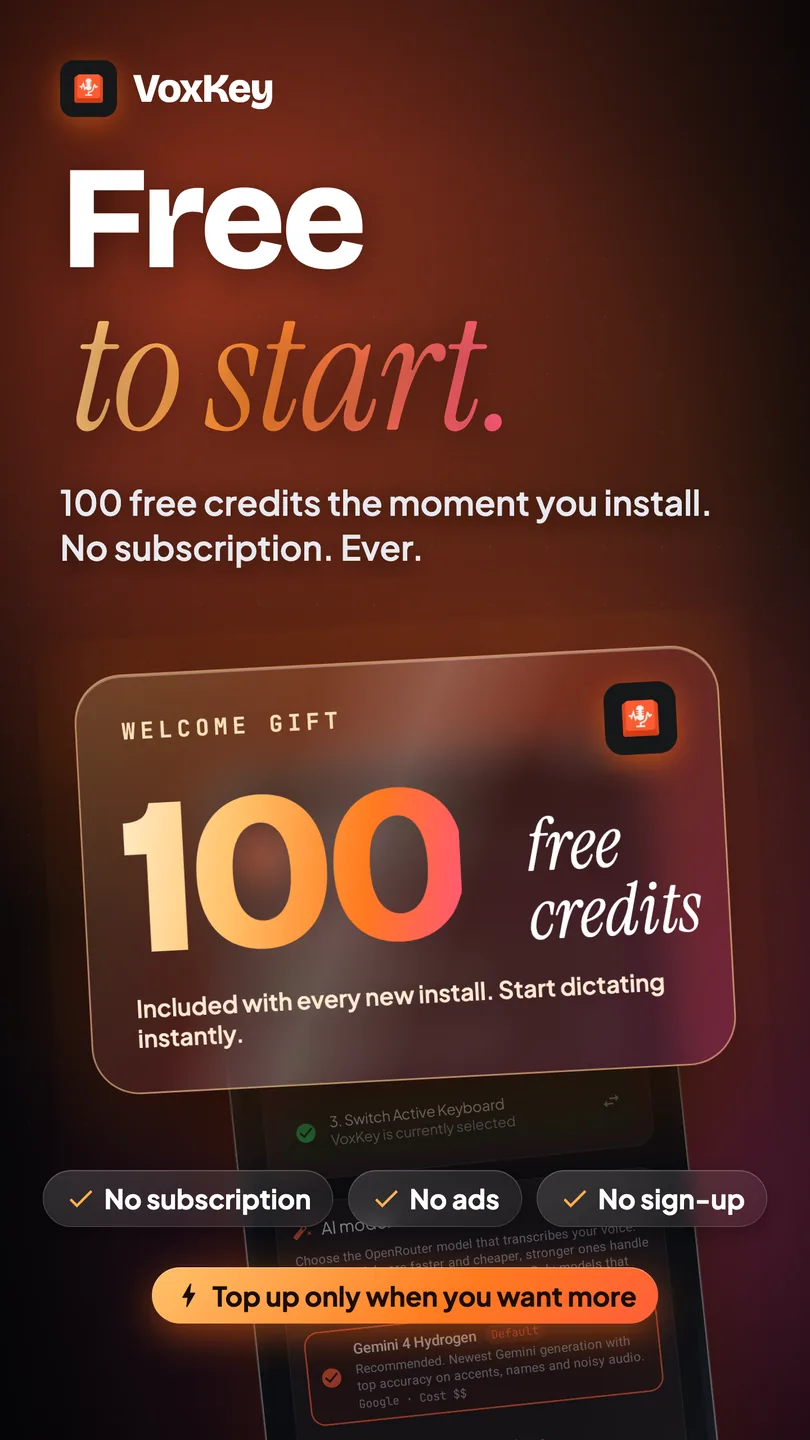
100 free credits

Every new install starts with 100 free credits, no sign-up and no API key. Top up only when you want more.

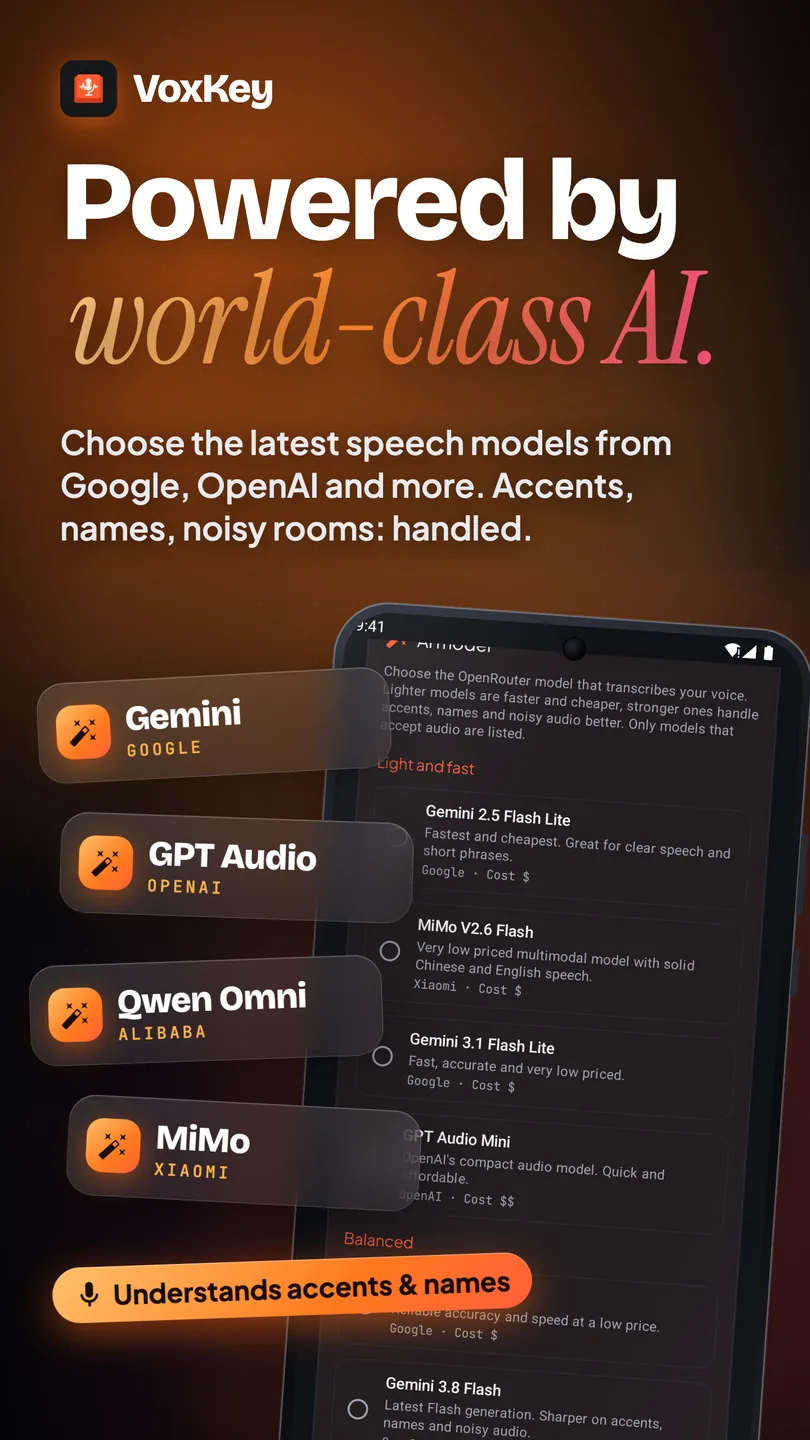
World-class AI models

Pick the speech model that suits you, including Google Gemini, OpenAI GPT Audio, Alibaba Qwen and Xiaomi MiMo.

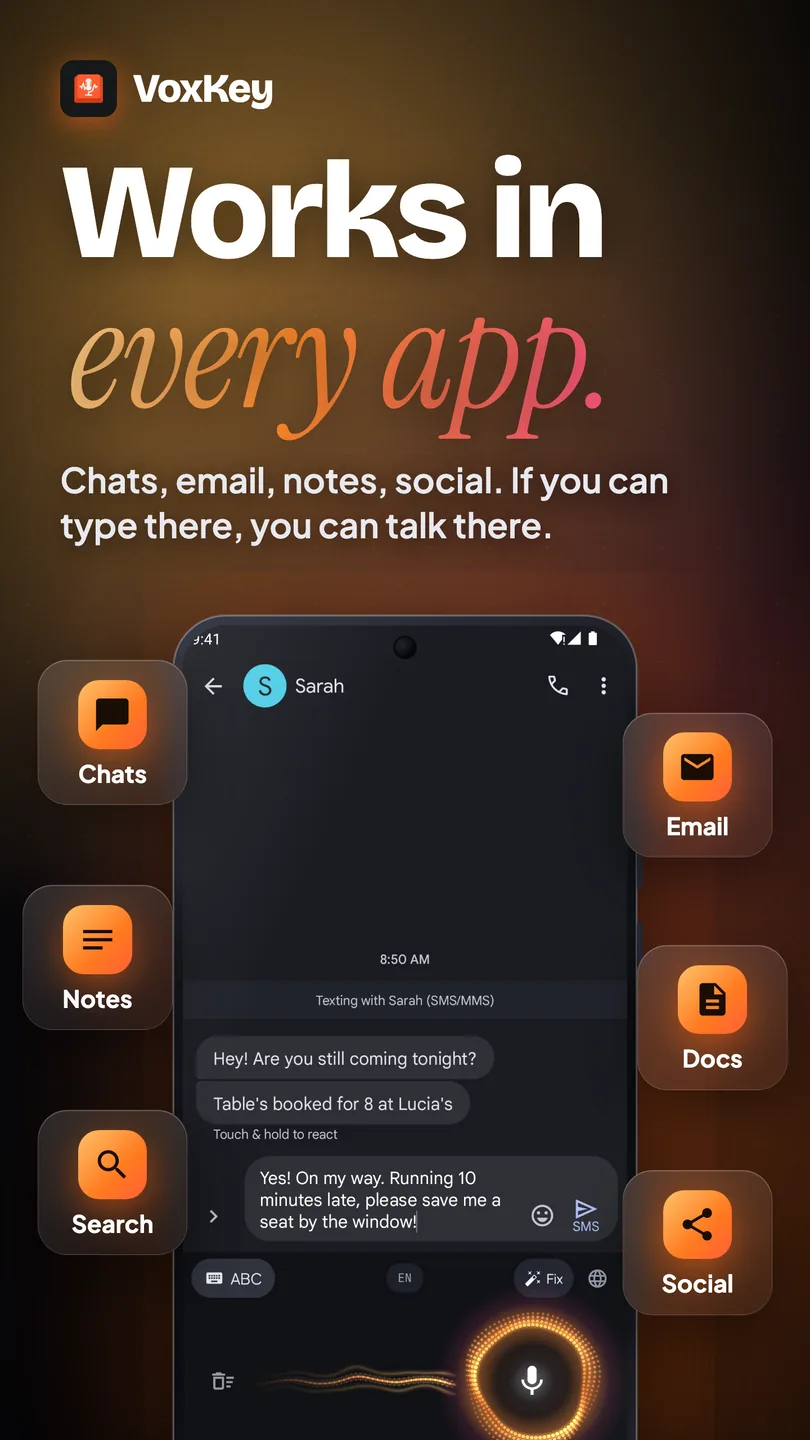
Works in every app

Chats, email, notes, docs, search and social media. If you can type there, you can talk there.

Speak one language, type another

Choose an output language and VoxKey translates as you talk. Over 70 languages, with your favorites one tap away.

Images by voice

Describe a picture and AI creates it inside the keyboard, with one-tap regenerate.

Send it from the keyboard

Insert images straight into chats and other apps that accept them, or copy, save and share.

Edit by voice

Select text and say how to change it. Shorter, politer, translated, with one-tap undo.

Reply by voice

Copy a message, say what you mean, and VoxKey writes the reply in the same language and tone.

Live interpreter

Two-way voice translation in more than 70 languages, with translations read aloud.

Paste to translate

Copy any foreign text and read it in your language in one tap.

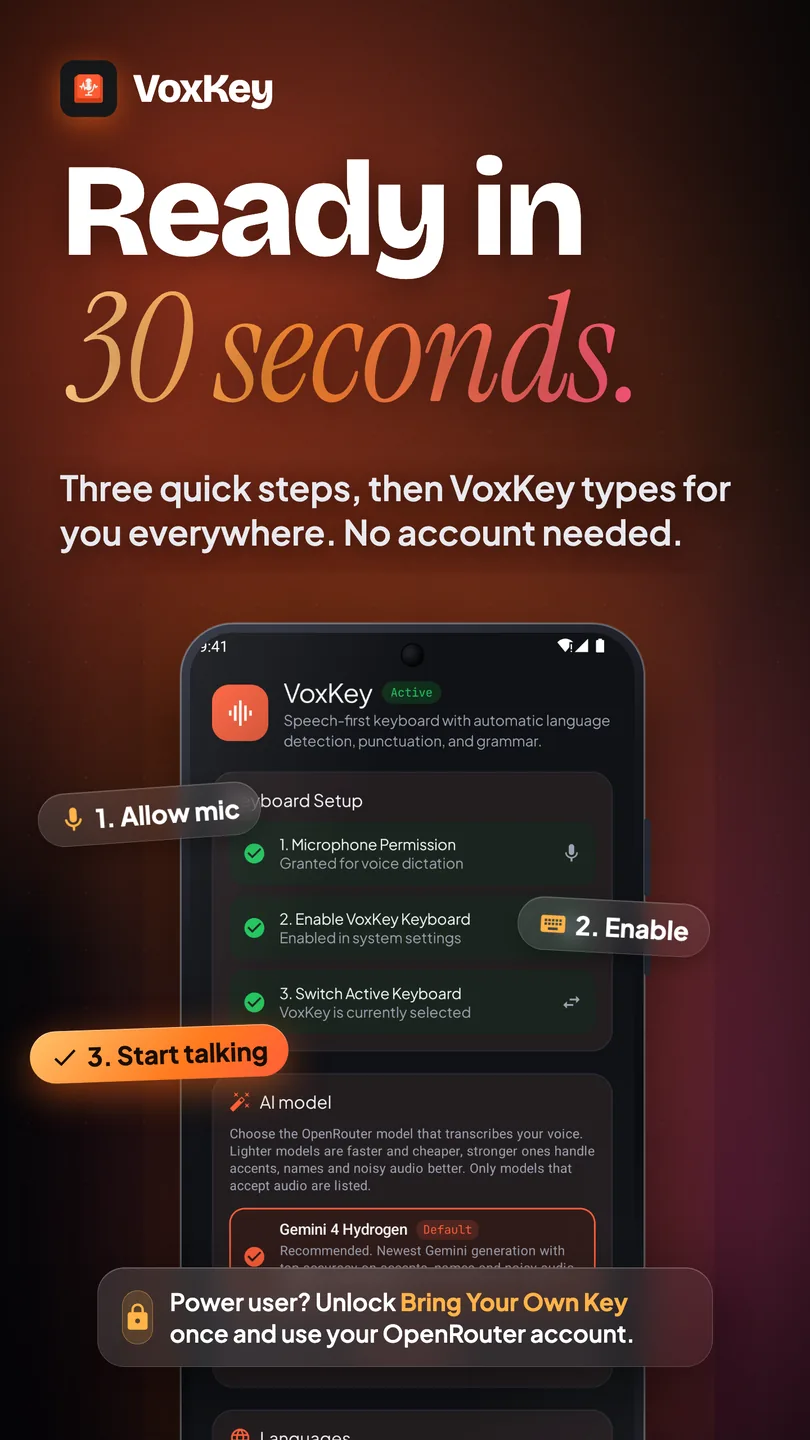
Ready in 30 seconds

Install VoxKey and your 100 free credits are waiting. No account and no API key, just follow the three-step checklist in the app.

  1. Allow the micGrant microphone access so VoxKey can hear you.
  2. Enable VoxKeyTurn VoxKey on in your Android keyboard settings.
  3. Switch keyboardPick VoxKey when you type, tap the mic, and talk.

Free to start. Pay only for what you use.

No subscription. Ever.

Most people
Free
100 free credits on every new install
  • Start dictating the moment setup is done
  • Top up with VoxKey Credit from $2.99 when you want more
  • Pay only for what you use, nothing renews or charges automatically
  • No subscription, no ads, no account
Get it free on Google Play
Optional
$9.99
Bring Your Own Key, one-time unlock
  • Use your own OpenRouter account and API key
  • Requests go straight from your phone to OpenRouter
  • Usage is billed by OpenRouter, with your own spending limit
  • Bought VoxKey before it became free? You already have it
How to get your API key

Credits are used each time you dictate, translate or tap Fix, and light speech models cost the least. Creating an image uses more credit than dictation. You can buy credits and unlock Bring Your Own Key inside the app through Google Play.

Your voice, handled with care

No account, no ads, and nothing recorded unless you tap the mic.

No account, no ads

VoxKey has no sign-up, no ads and no profile of you.

Audio is never saved on your phone

Audio is recorded only while you dictate and kept in memory.

Your own key stays yours

If you bring your own OpenRouter key, it stays on your device and requests go straight to OpenRouter.

Dictation, translation and image creation use third-party AI models. With credits, requests pass through the VoxKey service to the AI provider, which does not keep your audio, text or images. Avoid dictating passwords or other sensitive information. Read the full Privacy Policy.

Frequently asked questions

Is VoxKey free?

Yes. VoxKey is free to install and every new install comes with 100 free credits, so you can start dictating as soon as setup is done. There is no subscription, no ads and no account. When you want more, top up with VoxKey Credit inside the app and only pay for what you use.

How do credits work?

Each dictation, translation, Fix, voice edit or reply uses a small number of credits, depending on the speech model you choose, and creating an image uses more than dictation. Light models are very affordable and stronger ones handle accents and noisy rooms better. When credits run low you can buy VoxKey Credit in the app, starting at $2.99.

Do I still need an OpenRouter API key?

No. Credits work out of the box with no API key and no setup. A key is only needed if you unlock Bring Your Own Key, an optional one-time purchase of $9.99 that lets VoxKey talk to OpenRouter directly with your own account. How to get your API key.

I bought VoxKey before it became free. What happens to my key?

Nothing changes. If you bought VoxKey before it became free and already added your OpenRouter key, you keep using your own key exactly as before, with no extra purchase.

What languages does VoxKey support?

VoxKey detects the language you speak automatically, so there is nothing to configure and no language packs to download. Dictate in English, Spanish, French, German, Romanian, Portuguese, Hindi, Arabic, Japanese and many more, and switch languages between sentences.

Can VoxKey translate what I say?

Yes. Choose an output language from the language chip on the keyboard and VoxKey types what you say in that language. Speak English and get Spanish, French, Japanese or any of more than 70 languages, keep your favorites one tap away, or leave it on Auto to keep the language you speak.

How do I create and send images with VoxKey?

Switch the keyboard to image mode, tap the mic and describe the picture you want. AI creates it and you can insert it straight into chats and other apps that accept images, or copy, save or share it. Regenerate it with one tap. Creating an image uses more credit than dictation.

How do Voice Edit and Reply work?

Switch the keyboard to the Edit deck. To edit, select some text or leave the cursor after it, tap the mic and say what to change, for example make it shorter or more polite. VoxKey replaces the text, and one tap on Undo brings the original back. To reply, copy the message you received, switch to Reply, tap the mic and say what you mean. VoxKey writes the answer in the language and tone of that message. Each use takes a small amount of credit.

How does the Interpreter work?

Open the Interpreter deck and pick two languages. Tap You and speak, and VoxKey translates your words for the other person. Tap Them to record what they say and read it in your language. Tap any translation to hear it read aloud with your phone's voice, or insert it into the text field. You can also copy any text and tap paste to translate it in one tap. Each translation takes a small amount of credit.

Does VoxKey store my voice or text?

Audio is recorded only while you dictate and is never saved on your phone. To turn speech into text, translate it, or create an image from your description, it is sent to a third-party AI model, through the VoxKey service when you use credits, or directly to OpenRouter when you bring your own key. VoxKey does not keep your audio, text or generated images on its servers. Text you type stays on your device unless you tap Fix, use Voice Edit or Reply, or translate pasted text, and then only that text is sent. There is no VoxKey account and no ads.

Which Android versions are supported?

VoxKey requires Android 7.0 or newer and an internet connection for dictation.

Can I still type on VoxKey?

Yes. Flip to the built-in QWERTY keyboard to fix a word or type something short, with word suggestions, clipboard paste, an emoji panel, one-tap Clear and Undo, and a Fix button for spelling and grammar.

Stop typing. Start speaking.

Free to start, with 100 free credits on every new install.